
A music visualizer for your Plex library.
Playris plays your Plex music on Apple TV and gives it a full-screen visualizer: Milkdrop, the one from the Winamp days, or three calmer built-in modes.

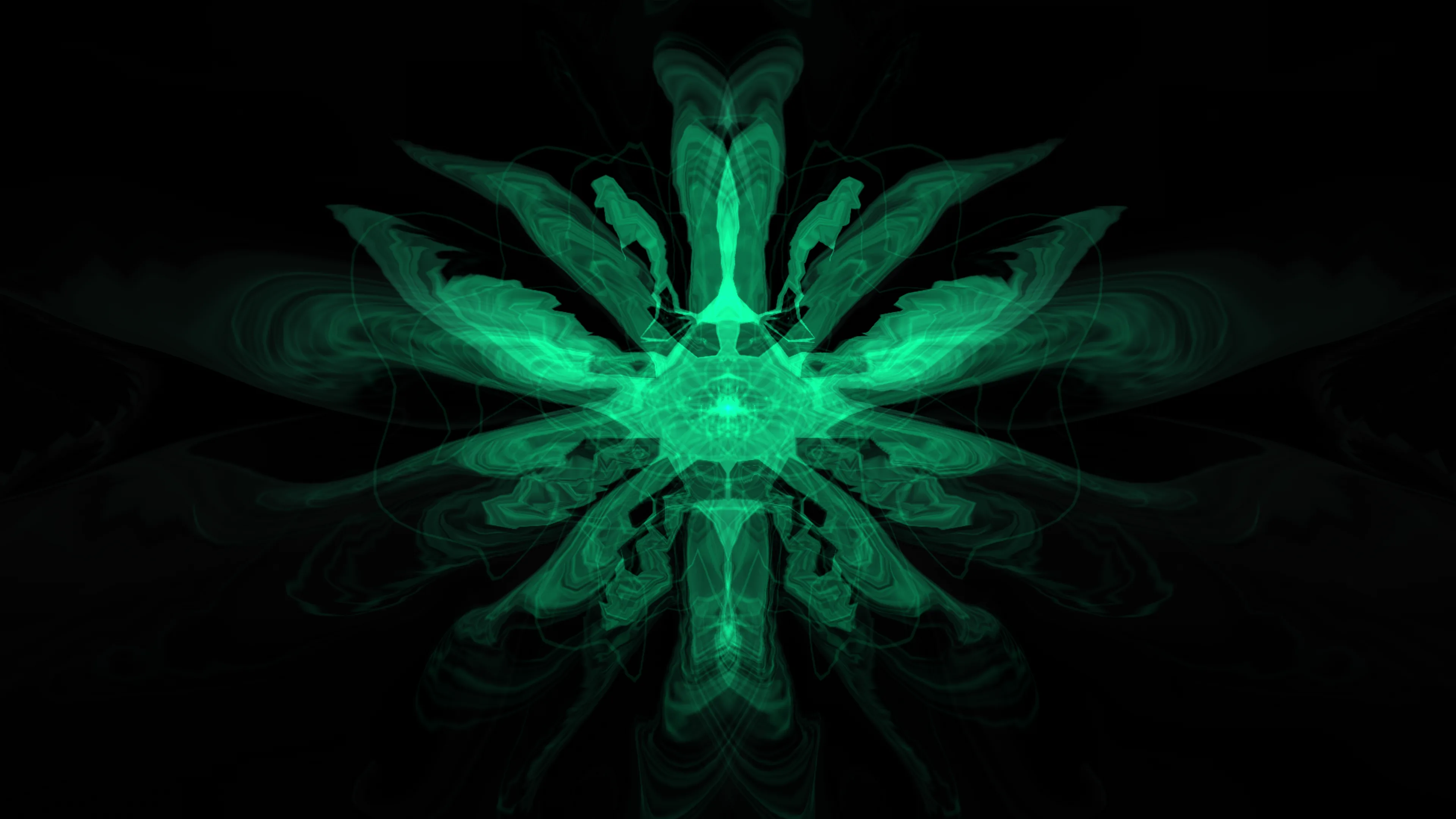
Milkdrop, on the big screen.
Milkdrop is the music visualizer Ryan Geiss wrote for Winamp. Its presets turn the music into moving shapes and color, and they react to the beat. Playris runs it on a Metal renderer built for Apple TV and comes with 534 presets.
Choose Milkdrop in Settings › Visualizer, then open the Visualizer tab while music plays. Swipe down for full screen and swipe left or right to change presets, or leave it and Milkdrop moves on by itself.
Two visualizers, one tab.
The built-in visualizer is the default. Milkdrop is one setting away.
Milkdrop
534 presets, full screen. Some flash and move fast, so Playris warns you the first time you switch.
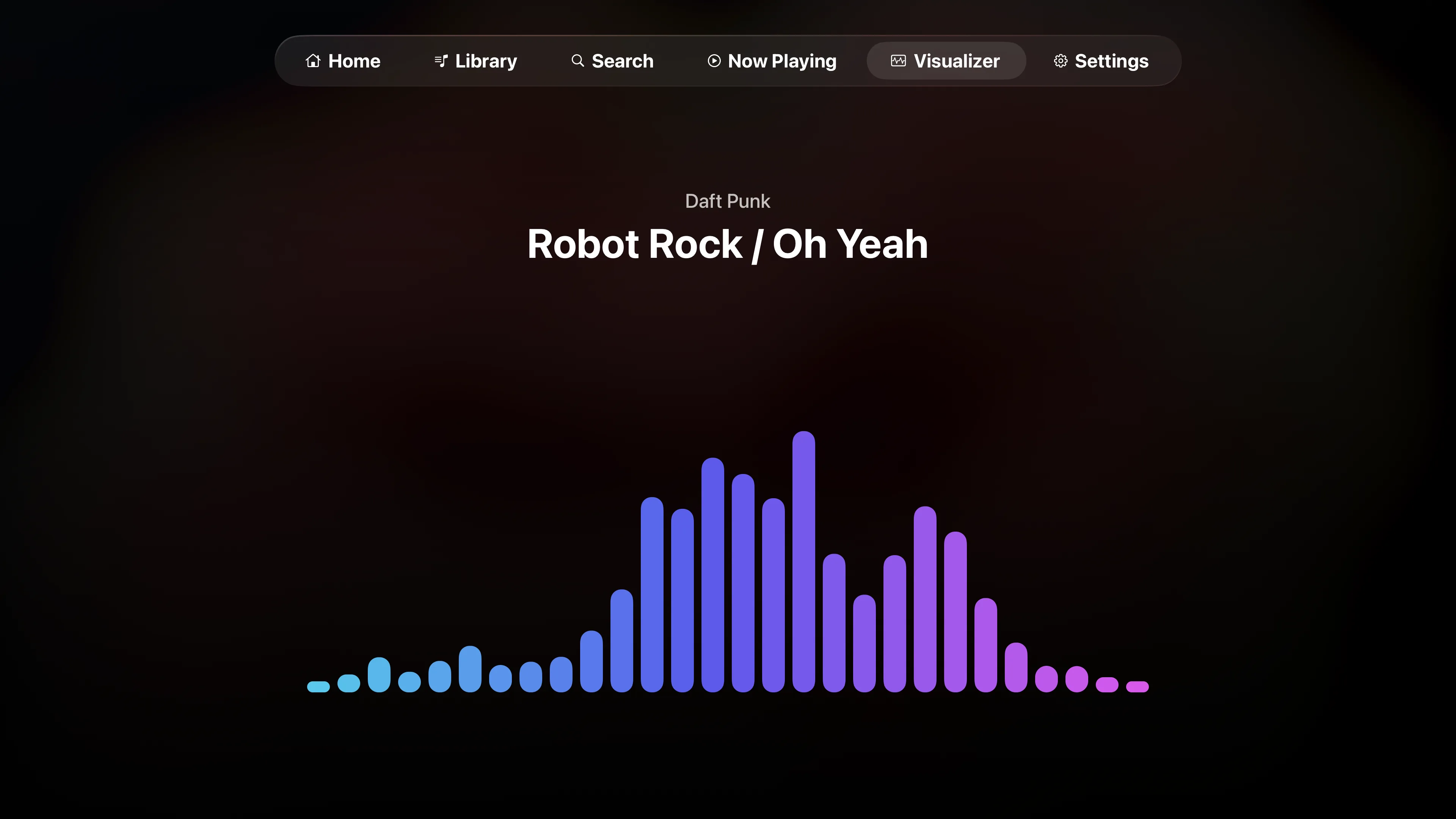
Built-in
Pulse, Ribbon and Spectrum: three quieter modes that move with the music.
Tuned for your TV.
Both visualizers have their own settings under Settings › Visualizer, so you can trade sharpness for smoothness or go straight for the old low-res look.
Resolution
480p to 4K
Render Milkdrop at 480p, 720p, 1080p, 1440p or 4K. Lower settings ask less of the Apple TV.
Retro Mode
The Winamp-era look
Retro renders at 720p and 30 FPS. Ultra Retro drops to 480p, 24 FPS and 4:3.
Built-in visualizer
Pulse, Ribbon, Spectrum
Motion from Smooth to Lively, and up to 120 FPS where the display supports it.
And a full Plex music app.
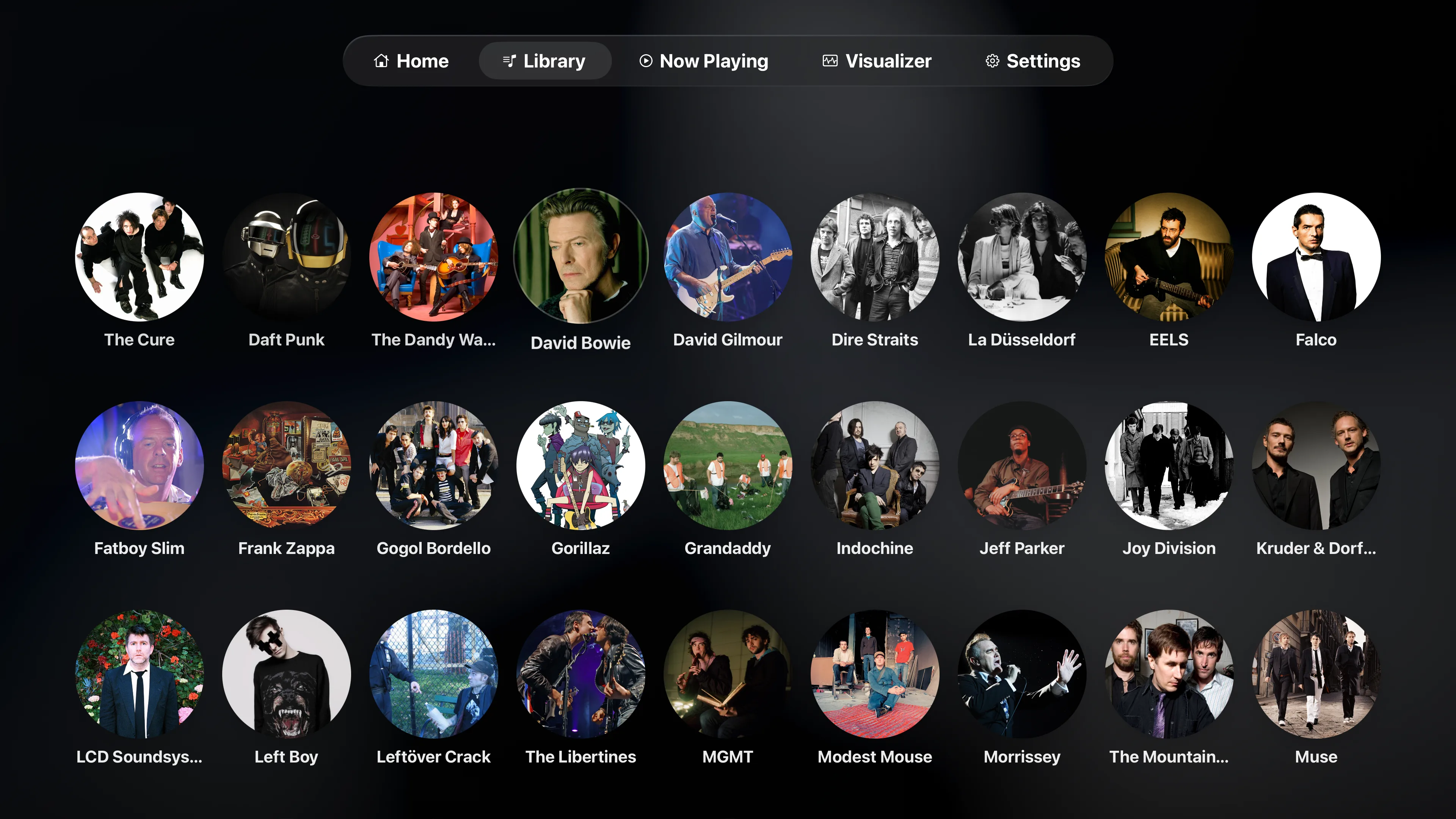
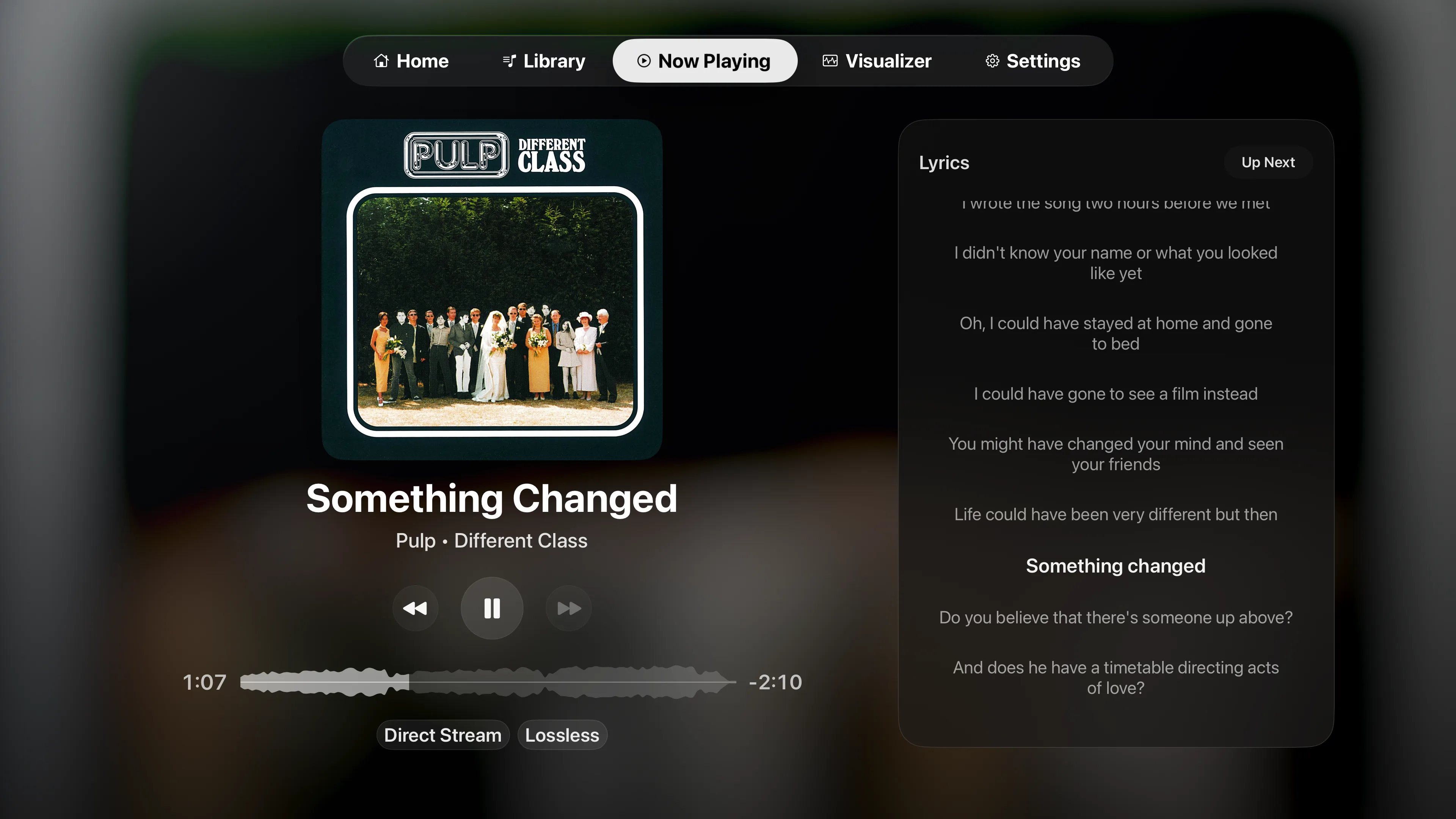
Browse by artist and album, search the library, and keep lyrics or Up Next on screen. Gapless and bit-perfect playback are in Settings › Playback.
Coming from Plexamp? See how Playris compares on Apple TV.
Visualizers and Plex
More questions are answered on the main FAQ.
Is there a music visualizer for Plex on Apple TV?
Yes, in Playris. It’s an independent Plex music app for Apple TV, and its Visualizer tab has Milkdrop and a built-in visualizer, both reacting to whatever is playing.
What is Milkdrop?
The music visualizer Ryan Geiss wrote for Winamp. Each preset is a small program that turns the music into moving shapes and color. Playris comes with 534 of them.
How do I turn on Milkdrop?
Go to Settings › Visualizer and choose Milkdrop. Then open the Visualizer tab while music plays. Swipe down for full screen, and swipe left or right to change presets.
Does Milkdrop flash?
Some presets do, with bright flashes and fast motion. That’s why the built-in visualizer is the default, and Playris shows a warning the first time you switch to Milkdrop.
Does the visualizer work with surround tracks?
Stereo tracks always show it. Multichannel tracks show it when they play as PCM. When a track plays as Dolby Digital 5.1, the Visualizer tab tells you the visualizer is off for that track.
Do I need Premium for the visualizers?
No. Both are in the free download. Playback runs in free 20-minute sessions, and Premium removes the limit.