
A native Plex music app for Apple TV.
Browse your Plex music by artist and album, search the whole library with the remote, and keep lyrics or Milkdrop up on the TV while it plays.

Free to download. Needs a Plex account and a Plex Media Server with music.
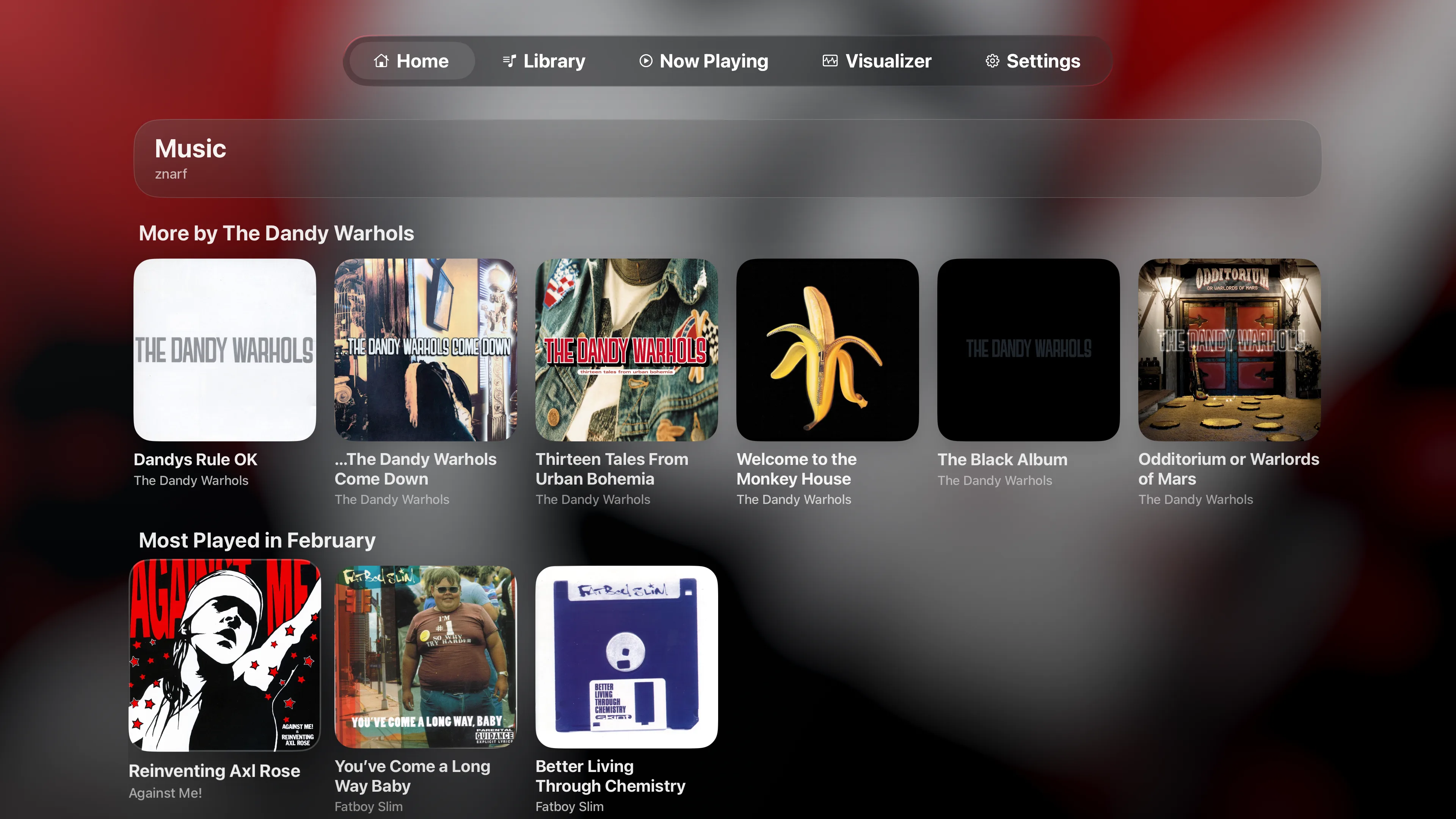
Home
Home picks up where you left off.
Recent listening, mixes and new additions, as rows of artwork you can scan from the couch.
- Rows you choose
- Show, hide and reorder the Home rows in Settings.
- Top Shelf
- Keep Playris in the top row of the Apple TV Home Screen and Top Shelf shows your Home picks, ready to play.
- Long-press menus
- Hold Select on an album or playlist to shuffle it, play it next, or add it to the end of Up Next.
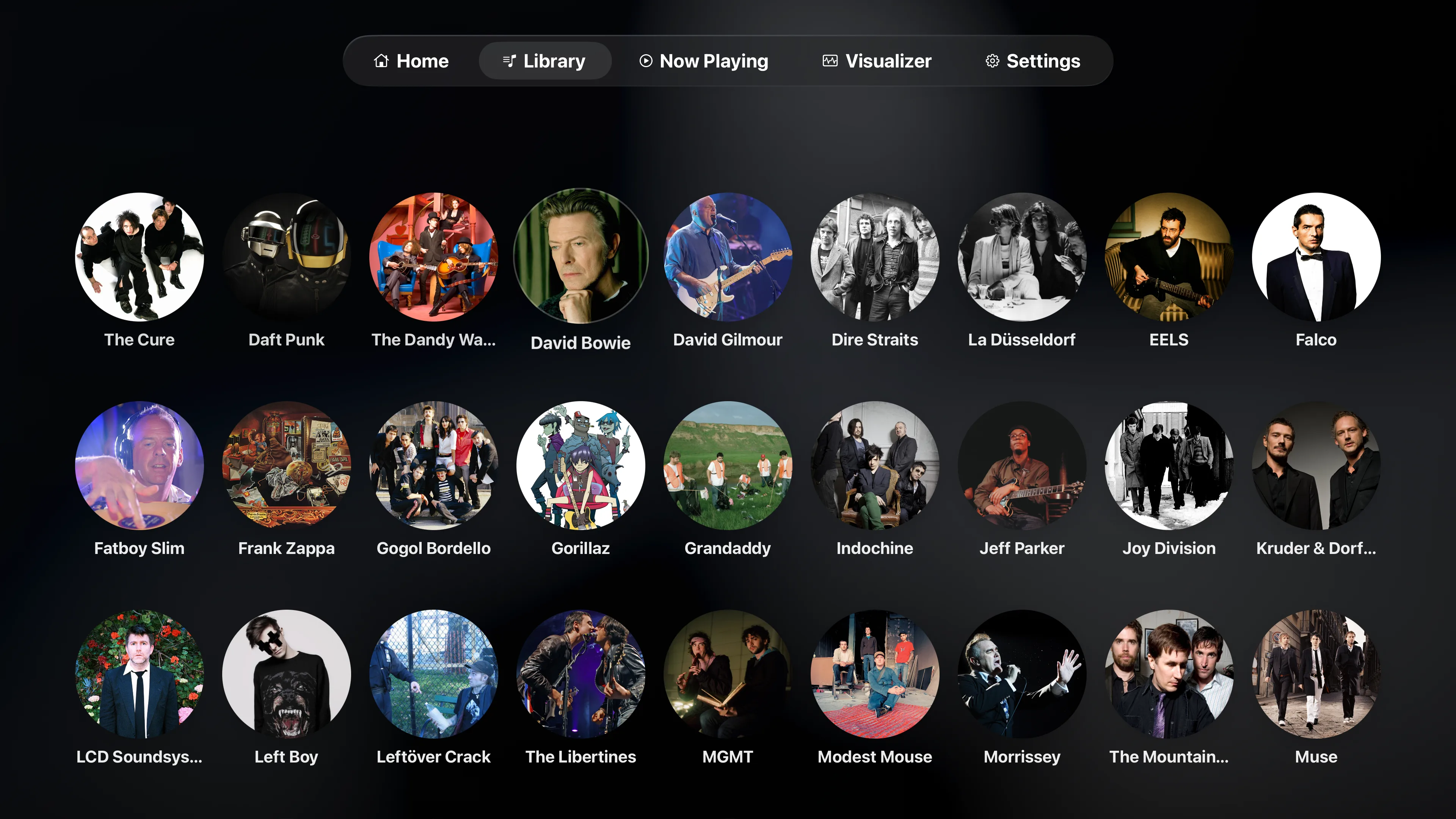
Library
Find the record you were thinking of.
Artists, albums and playlists show as artwork, three rows to a screen, with artist photos from Plex even when your files aren’t sorted into artist folders.
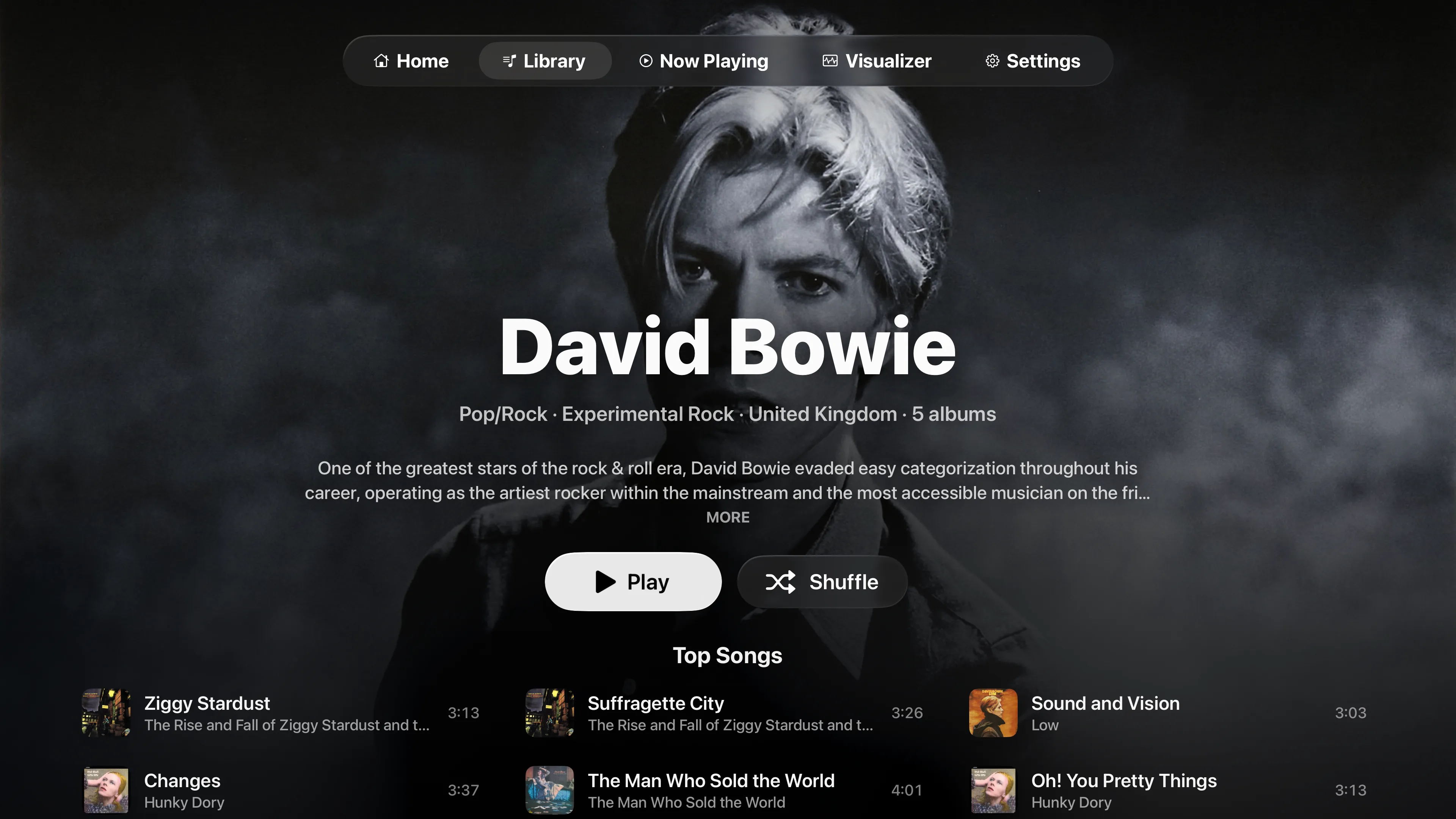
- Artist pages
- A full-screen photo, a short bio and Top Songs, then every album. Album pages add the label and Plex’s review.
- Search
- Artists, albums, tracks and playlists in the library you’re browsing, grouped by type.
- More than one library
- Switch between your server’s music libraries from the top of Library.
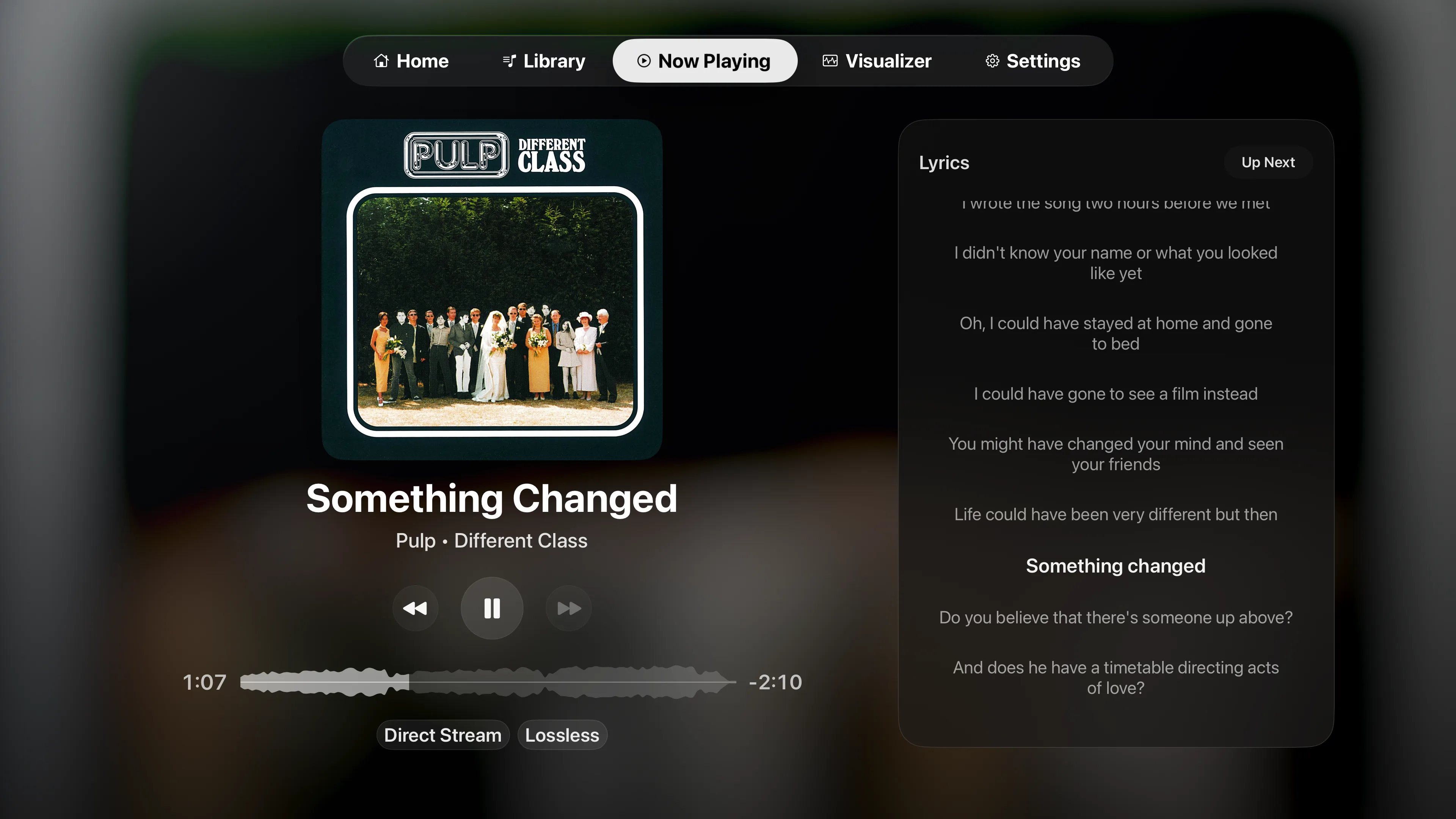
Now Playing
Readable from across the room.
Big artwork with the queue or lyrics beside it. Now Playing has its own tab, so it’s one click away from anywhere in the app.
- Lyrics
- When Plex has lyrics, timed ones follow the song line by line.
- Up Next
- Play next, play last, reorder or remove tracks while the music keeps going.
- Format badges
- Direct Stream, Lossless, Hi-Res or multichannel, so you can see what reaches your speakers.
Visualizer
Milkdrop, or something calmer.
Milkdrop
The visualizer from the Winamp days, full screen. Retro and Ultra Retro modes bring back the old low-res look.
Built-in
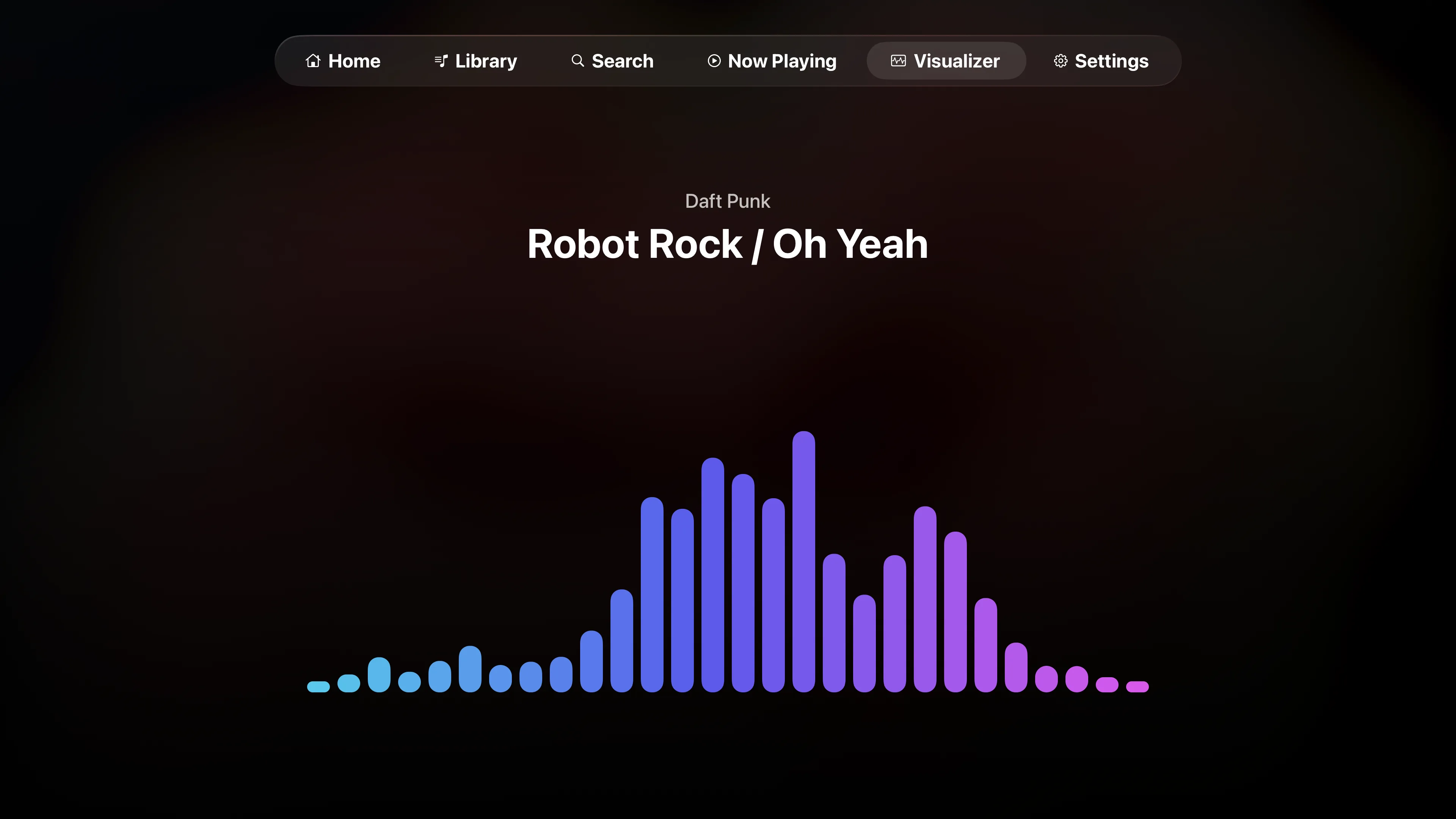
Pulse, Ribbon and Spectrum: three quieter modes that move with the music.
Sound
Set up for your system.
Playris direct streams the formats Apple TV can play and leaves the rest to your Plex server to transcode. You choose how it handles gaps, sample rates and surround in Settings › Playback.
Gapless Priority
No gaps between tracks
Keeps the output format steady and converts the next track to match when needed, so live albums and DJ mixes play straight through.
Bit-Perfect Playback
Native rates up to 192 kHz
Each track stays in its original format where the output allows. On tvOS 27 that includes the sample rate, when your TV or receiver supports it.
Surround Output
Stereo, Dolby Digital 5.1 or multichannel PCM
Sets how multichannel tracks reach your TV or receiver. Stereo tracks always play as stereo PCM.
FAQ
A few straightforward answers.
What you need, what it plays, what it costs, and how to reach us.
What is Playris?
Playris is an independent Plex music app for Apple TV. Sign in with Plex, pick a server and a music library, then browse by artist, album or playlist, or search. Playback gets its own Now Playing screen, a built-in visualizer and Milkdrop.
Is this Plexamp for Apple TV?
No. Plexamp isn’t available on Apple TV, and Playris isn’t made by Plex. It’s a separate app for Plex music on tvOS, with its own player. How Playris compares to Plexamp and the Plex app.
What do I need to use it?
An Apple TV, a Plex account, and access to a Plex Media Server with a music library. Playris runs on Apple TV only. There’s no iPhone, iPad or Mac version.
How do I sign in?
Open Playris and scan the QR code on the TV with your phone, or go to plex.tv/link on any device and enter the code shown. You never type a password with the remote.
Can I search my library?
Yes. The Search tab finds artists, albums, tracks and playlists in the music library you’re browsing. If you don’t use it, you can hide the tab in Settings › Navigation.
My server has more than one music library. Can I switch?
Yes. When your server has several music libraries, a Switch button sits next to the library name at the top of Library. Playris shows one library at a time.
Does it play hi-res and multichannel audio?
Yes. With Bit-Perfect Playback on tvOS 27, tracks play at their native sample rate, up to 192 kHz, when your TV or receiver supports it. Earlier tvOS versions output 48 kHz. For multichannel files, choose Stereo, Dolby Digital 5.1 or Multichannel PCM under Settings › Playback › Surround Output.
Does Playris transcode my music?
No. Playris direct streams the formats Apple TV can play. When a file needs converting, your Plex server does it.
Does it show lyrics?
Yes, when Plex has lyrics for the track. Timed lyrics follow the song line by line, and plain lyrics show in full so you can scroll through them.
Does it have visualizers?
Two, both in the Visualizer tab. The built-in one has Pulse, Ribbon and Spectrum modes. Milkdrop is the Winamp-era visualizer, with settings for resolution, frame rate, and Retro and Ultra Retro modes. You choose which one opens in Settings › Visualizer. More about the visualizers.
Is it free?
Browsing is free, and playback runs in free 20-minute sessions that you can start again whenever one ends. Premium removes the limit, as a monthly or yearly subscription or a one-time lifetime purchase.
Why isn’t it free?
Playris is independent. The playback engine, the Milkdrop renderer and keeping up with Plex and tvOS changes take a lot of time. Premium pays for that work and for the updates that follow.
How is it different from the Plex app on Apple TV?
The Plex app covers movies, shows and music in one place. Playris is only for music. Browsing starts from artists and albums, and playback has a dedicated Now Playing screen, gapless and bit-perfect modes, and visualizers including Milkdrop. Compare Playris, Plexamp and the Plex app.
Can I make the text bigger?
Yes, on tvOS 27. Playris follows the text size you set on the Apple TV under Settings › Accessibility › Display › Text Size.
Something isn’t working. How do I report it?
In the app, open Settings › Account › Troubleshooting and choose Send Report, ideally right after it happens. The report includes the playback details we need, and sign-in tokens are removed before it’s sent. For anything else, use the feedback form.
Where can I see what changed?
Each update has its notes in the release history. Read the release history.
Where do I get it?
On the App Store on your Apple TV. Search for Playris there, or open the listing. Playris on the App Store.
Hear about updates, or tell us what you think.
Newsletter
An email when there’s a new release or something worth knowing. No spam, and the list is never shared.
Feedback
Questions, bugs, or a strong opinion? Your email is only used to reply.